
Cine HD App

Discover Cine HD App, explore its features, installation steps, device compatibility, and helpful tips for a smoother entertainment experience.
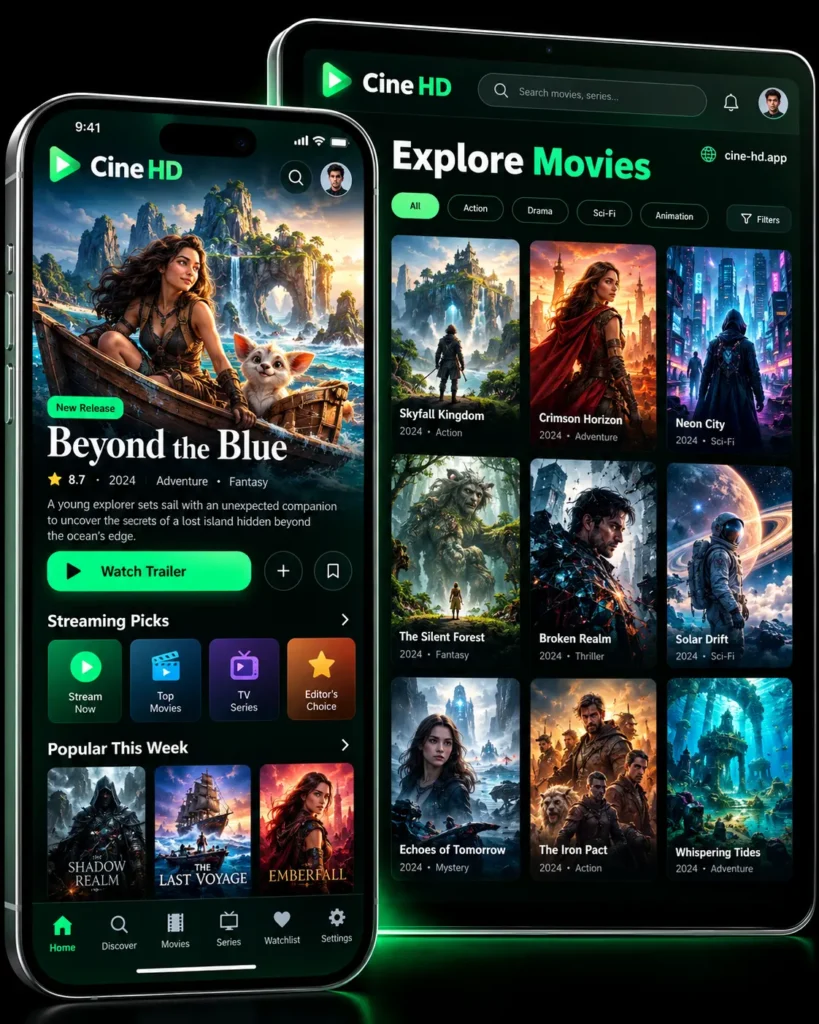
Cine HD App
Cine HD app searches often lead users to different websites and application listings. But how can you choose the right version and avoid misleading downloads? Understanding the application, its requirements, and its limitations helps you make informed decisions. Cine HD is a name users may encounter while exploring entertainment applications online. Before installing anything, check the developer information and the source of the file.
Many people want a simple way to explore movies and television entertainment on their devices. However, application names and available features can vary between websites. Some pages may provide outdated information or advertise features that a particular version does not support. Therefore, readers should verify important details before downloading an installation file.
This guide explains the application concept, common features, compatibility considerations, installation steps, and troubleshooting methods. It also covers privacy, security, and practical points to consider before installation. The aim is to help readers understand the available information without making unsupported promises. Always check local laws and content permissions before accessing streaming services or copyrighted material.
What Is Cine HD App?
Cine HD is a name associated with searches for entertainment applications and streaming-related downloads. Users may look for information about its interface, supported devices, content categories, and playback options. However, the exact identity of an application depends on its developer and distribution source.
Before installing an application, compare its name, package details, version number, and publisher information. A familiar name alone does not prove that a file is authentic. Some third-party websites may use similar names for unrelated applications. Check whether the developer provides reliable documentation or an official distribution channel.
Cine HD app information should also explain which operating systems the application supports. Do not assume that every version works on phones, tablets, televisions, and computers. Availability can change as developers release updates or discontinue older versions. Reviewing these details first can prevent unnecessary downloads and installation problems.
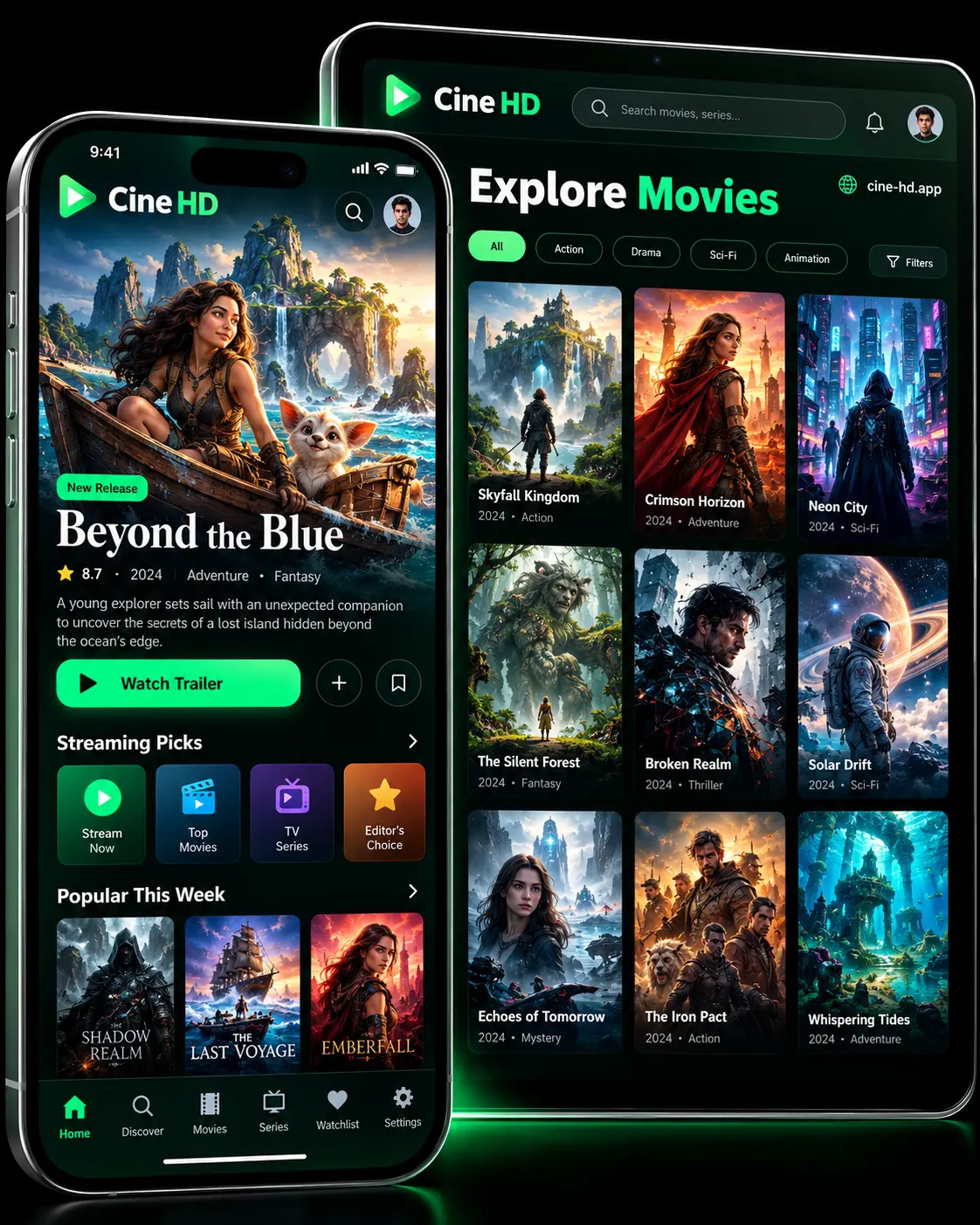
Cine HD App at a Glance
An app overview helps readers identify essential information before installation. However, technical details should come from a reliable listing or developer source rather than guesses.
- Application name: Confirm the exact name displayed by the publisher.
- Developer: Check the developer or company responsible for the application.
- Latest version: Verify the version number and release date.
- File format: Confirm whether the installation file uses the APK format.
- File size: Compare the listed size with the downloaded file.
- Compatibility: Review the required Android version and device support.
- Permissions: Check which device features the application requests.
- Distribution source: Prefer a trustworthy source with clear publisher information.
Treat missing information as something to investigate, not as proof of quality. If a website does not identify the developer or explain its download process, proceed cautiously. Reliable application information should be specific, consistent, and easy to verify.
Cine is best Movies & Streaming app
Choosing an entertainment application depends on your viewing needs, device compatibility, privacy expectations, and available content. Cine may appear in searches for movie and streaming applications, but its suitability depends on the particular product and version. No application is automatically the best choice for every viewer.
Compare its interface, playback controls, language options, and accessibility features with established streaming services. Also check subscription costs, advertising practices, content availability, and regional restrictions. Some platforms offer licensed libraries and customer support, while other applications may provide limited information about their content sources. Therefore, review the available evidence before deciding which service meets your needs.
Key Features
Simple Interface
A clear interface helps users understand an application without unnecessary effort. Menus should use familiar labels and provide easy access to important sections. Cine should be assessed by how clearly it presents available options, search tools, and playback controls. A confusing layout can make ordinary tasks frustrating. Review genuine screenshots before installation, and confirm that they match the current version.
Content Search
A useful search tool helps viewers find titles without browsing every category. It may allow searches by title, genre, or other supported details. When evaluating Cine, test whether its search results are relevant and easy to understand. Do not assume that every listed title is available to stream. Check the source and accessibility of any content before selecting it.
Category Browsing
Categories can help users explore entertainment according to their interests. Common examples include drama, comedy, action, documentaries, and family entertainment. Cine may present different browsing options depending on the version and its content source. Look for clear category names and accurate descriptions. Good organization can improve navigation, but it does not guarantee a larger or better content library.
Video Playback Controls
Playback controls help users pause, resume, seek, or adjust viewing settings. Their design can influence the overall viewing experience. Check whether Cine provides the controls you need on your device. Playback quality may also depend on the video source, internet connection, and device performance. Test basic functions before relying on the application for regular entertainment.
Subtitle Options
Subtitles can improve accessibility and help viewers understand dialogue in different languages. Some applications offer subtitle selection, synchronization, or display adjustments. Verify whether Cine supports these options in the version you are considering. Subtitle availability may vary between individual videos. If subtitles are essential, test them with a supported title before assuming the feature works everywhere.
Language Preferences
Language settings can make menus and viewing options easier to understand. Some applications provide multiple interface languages, while others offer only limited choices. Check which language options Cine actually supports. Do not confuse the language of the interface with the audio or subtitles available for a video. These settings may depend on separate sources or content providers.
Favorites List
A favorites feature lets users save titles for easier access later. It can reduce the need to repeat searches or remember names. If Cine includes this function, check whether saved items remain available after restarting the application. Some features may require an account or internet connection. Avoid assuming that favorites synchronize between devices unless the developer confirms it.
Watchlist Organization
A watchlist helps viewers organize titles they intend to watch later. This feature is especially useful when an application contains many categories. Check whether Cine offers a watchlist and how it stores saved information. A local list may remain on one device, while a synchronized list may require an account. Review privacy details before entering personal information.
Recommendations
Recommendations can help viewers discover content related to their interests. Some systems use viewing history, selected preferences, or editorial categories. Confirm whether Cine provides recommendations and how they appear. Do not assume that recommendations are personalized or independently verified. If an application collects viewing activity, review its privacy policy to understand how that information may be used.
Screen Orientation
Screen orientation matters when switching between handheld viewing and larger displays. Some players adjust automatically, while others offer a manual orientation control. Check how Cine behaves when you rotate your phone or tablet. The result can depend on device settings and the player being used. A reliable experience should not require unnecessary changes to system settings.
Display Compatibility
Different devices use different screen sizes, resolutions, and aspect ratios. A well-adapted interface should remain readable on the device being used. Test Cine screenshots or documentation against your screen type before installing. A layout designed for phones may not work equally well on a television. Confirm compatibility instead of relying only on promotional images.
Streaming Performance
Streaming performance depends on several factors beyond an application’s interface. Internet speed, server availability, video encoding, and device capacity can all affect playback. Evaluate Cine using reliable information about its supported playback methods. Do not interpret a single successful video as proof of consistent performance. Test your connection and consider other possible causes when buffering occurs.
Video Quality Settings
Some video players allow users to select among available quality levels. Lower settings can reduce data use, while higher settings may require faster internet. Check whether Cine offers adjustable quality options for the content source. Actual resolution may vary between videos. Avoid claims of guaranteed HD playback unless the developer and content provider clearly support them.
Data Usage Awareness
Video streaming can consume substantial mobile data, especially at higher resolutions. Users should understand their data limits before watching for long periods. If Cine provides quality controls, use them to manage data consumption. You can also monitor usage through your device settings. Exact data requirements depend on resolution, compression, playback duration, and network conditions.
Offline Viewing
Offline viewing allows users to access selected content without a continuous internet connection. However, not every entertainment application supports lawful offline downloads. Confirm whether Cine offers an official offline feature and whether it follows the content provider’s terms. Do not assume that a visible download button grants permission to save or redistribute copyrighted material.
Casting Support
Casting can send supported video from a mobile device to a compatible television or display. Successful casting depends on the application, receiving device, network, and content source. Check whether Cine officially supports casting before attempting to use it. Some videos or players may not work with external displays. Consult the developer’s instructions for compatible devices and connection requirements.
Android TV Compatibility
Television interfaces often require larger controls and remote-friendly navigation. An application built for touchscreens may not provide a good TV experience. Before installing Cine on Android TV, confirm official support for the relevant device and Android version. Check whether the menus work with a remote. Avoid installing unfamiliar files on a television without reviewing their source and permissions.
Update Information
Updates can address bugs, improve compatibility, or change application features. However, an update should come from a source you can verify. Check the version number and release information associated with Cine before replacing an existing installation. Compare the publisher details and permissions carefully. An unfamiliar file labelled “latest” is not automatically newer, safer, or more reliable.
Installation Simplicity
A straightforward installation process helps users understand each step and identify errors. Android may require additional approval before installing an APK obtained outside its usual app store. Before installing Cine, verify the file source and confirm that your device meets its requirements. Avoid instructions that ask you to disable important security protections without a clear reason.
Permission Transparency
Applications may request access to storage, notifications, or other device functions. Every permission should have a reasonable explanation connected to the application’s purpose. Review the permissions requested by Cine before granting access. Deny unnecessary requests when possible and stop if the application demands unrelated sensitive access. Permissions alone do not establish safety, so consider the source as well.
Privacy Information
Privacy information explains whether an application collects device data, usage details, or personal information. A clear policy should describe what the developer collects and why. Look for a reliable policy associated with Cine and read its key terms. Be cautious if the publisher provides no contact details or meaningful privacy explanation. Avoid submitting sensitive information without understanding how it will be handled.
Error Messages
Useful error messages help users identify installation or playback problems. Clear instructions can make troubleshooting easier for beginners. When Cine displays an error, record the exact wording and note when it occurs. Check whether the issue relates to the network, device storage, application version, or content source. Avoid downloading replacement files from unknown sites as a first response.
Resource Requirements
Applications need enough storage, memory, and processing capacity to operate properly. Requirements vary by version and device configuration. Before installing Cine, compare your device specifications with the publisher’s stated requirements. Free storage space and an updated operating system may help prevent common problems. Do not rely on an assumed minimum requirement when official technical details are unavailable.
Reliable Support Information
Support information helps users find guidance when ordinary troubleshooting fails. Useful resources may include documentation, a contact address, or a verified help page. Check whether Cine has a trustworthy support channel before relying on it. Avoid sending passwords or financial details to unofficial accounts. Clear publisher information makes it easier to ask questions and evaluate future updates.
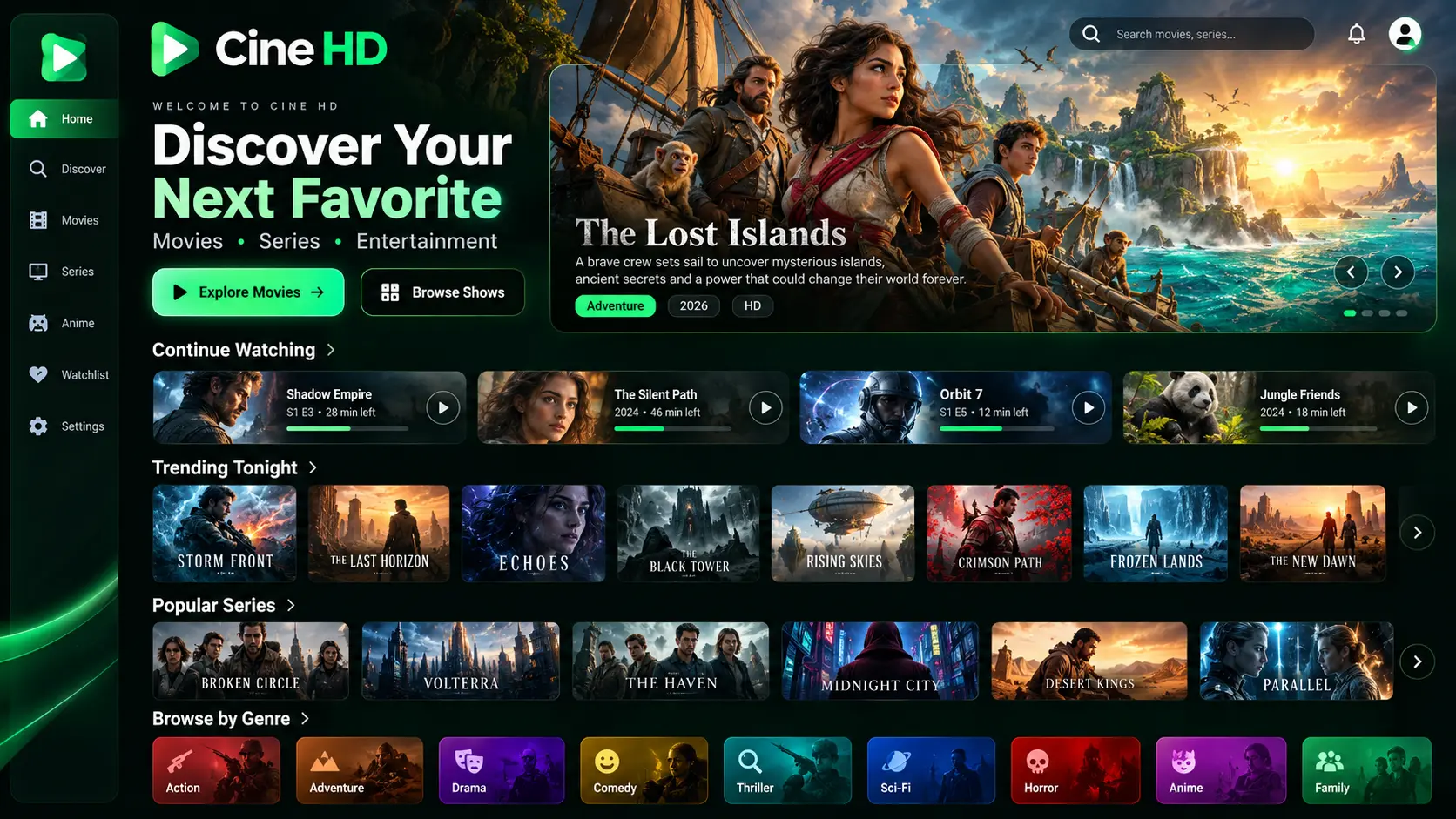
How to Download Cine HD APK ?
Before searching for a Cine HD APK download, confirm the exact application name and identify a trustworthy source. Check the publisher, version number, file size, and device requirements. A download page should provide clear information rather than unsupported claims about performance or safety.
Use these checks before proceeding:
- Confirm the application identity and publisher.
- Read the listed version and release details.
- Verify that your device meets the requirements.
- Review permissions and privacy information.
- Scan the downloaded file with reputable security software.
- Stop if the website shows suspicious redirects or warnings.
Do not install a file simply because its name includes “latest” or “official.” Those words do not prove authenticity. Prefer a verified publisher or a reputable app distribution platform whenever available.

How to Install Cine HD on Android ?
Installing an APK requires care, especially when the file comes from outside an established app store. Follow the device instructions and avoid bypassing security warnings without understanding them.
- Download the file from a source you have checked.
- Open your device’s file manager and locate the APK.
- Review any security warning before continuing.
- If Android requests permission, allow installation only for the trusted source you intend to use.
- Follow the installation prompts.
- Open the application and review its permissions.
- Stop if unexpected warnings or suspicious requests appear.
Android menu names can differ by device manufacturer and operating system version. If installation fails, check the file integrity, available storage, and compatibility. Remove suspicious files rather than repeatedly attempting to install them.
How to Update the Application ?
Updates can improve compatibility and address known problems, but an unfamiliar replacement file can create security risks. Check the current version on your device and compare it with reliable release information.
Before updating, review the publisher, package details, and requested permissions. Back up relevant settings only if the application supports a legitimate backup method. Follow the developer’s documented update process whenever possible. If an update fails, check storage, compatibility, and the download source before trying again.
Avoid modified installation files that promise premium access or features without reliable documentation. Such files may contain unwanted software or request excessive permissions. A careful update process protects both your device and your stored information.
Is Cine HD App Safe to Install ?
No APK can be considered safe solely because a website recommends it. Safety depends on the file’s origin, integrity, permissions, and behaviour after installation. An unfamiliar entertainment application deserves the same scrutiny as any other downloaded software.
Use these precautions:
- Prefer an official developer source or reputable distribution platform.
- Check the publisher’s identity and available contact information.
- Scan the file with reputable security software.
- Review requested permissions before granting access.
- Keep Android and your security tools updated.
- Avoid modified APKs from unknown websites.
- Never provide passwords or financial details unnecessarily.
- Uninstall the application if it behaves suspiciously.
Security scans can help identify known threats, but they cannot guarantee that a file is harmless. Likewise, positive reviews do not prove that an application respects privacy. Consider the evidence together, and do not ignore warnings from your device.
Privacy and Permissions
Permissions control which device features an application can access. Some permissions may be necessary for specific functions, while others may have little connection to entertainment. Review each request before approving it.
Read the privacy policy to learn whether the developer collects usage data, identifiers, or other information. Check how the company describes data sharing and retention. If the policy is missing or unclear, consider choosing a better-documented alternative.
You should also review permissions periodically through your Android settings. Remove access that is no longer needed, where your device allows it. Never share confidential information simply because an application displays a login screen or requests account details.
Pros and Cons
✓ Pros
- A dedicated interface may make entertainment options easier to navigate.
- Search tools can reduce time spent browsing categories.
- Supported playback controls may provide a convenient viewing experience.
- Subtitle options can improve accessibility when available.
- Favorites or watchlists may help organize selected titles.
- Compatible devices can provide flexible viewing options.
- Quality controls may help manage mobile data usage.
- Clear version information can make updates easier to evaluate.
- Transparent permissions help users make informed decisions.
- Reliable documentation can simplify installation and troubleshooting.
× Cons
- The developer or source may be difficult to verify.
- Features and compatibility may vary between versions.
- Unverified APK files can expose devices to security risks.
- Privacy policies may be incomplete or unavailable.
- Streaming performance can depend on external sources and network quality.
- Some content may lack clear licensing or regional availability information.
Common Problems and Solutions
APK Will Not Install
Check that the file downloaded completely and matches your device’s requirements. Confirm that sufficient storage is available. If Android reports a security concern, do not bypass it automatically. Download again only from a trustworthy source after verifying the file details.
The Application Will Not Open
Restart your device and check for operating system updates. If the problem continues, review compatibility and any displayed error message. Avoid clearing application data until you understand whether doing so will remove important settings.
Videos Buffer or Fail to Play
Check your internet connection and test another legitimate video source. Restart your router if necessary and close applications using significant network resources. Playback problems may originate from the content provider rather than the installed application. If only one video fails, its source may be unavailable.
An Update Does Not Work
Verify the update’s publisher and version information before attempting installation again. Check storage and compatibility, then follow the documented update instructions. Do not replace a working installation with a modified file from an unfamiliar website.
Subtitles Do Not Appear
First confirm that the selected video actually provides subtitles. Check the player’s subtitle menu and language settings. If the feature is unsupported or the subtitle source is unavailable, changing device settings may not resolve the issue.
The Application Is Incompatible
Compare the Android version and device specifications with the publisher’s requirements. Do not install random older packages to bypass compatibility checks. If your device is unsupported, consider a legitimate alternative designed for that platform.
Live Movies & Streaming
Live Movies & Streaming services can provide access to scheduled programming or on-demand entertainment, depending on their licences and supported features. Before using Cine, verify whether live playback is actually available. Check regional restrictions, content permissions, and device compatibility. A service’s name or promotional description alone does not confirm its content catalogue or streaming quality.
Frequently Asked Questions
What is the Cine HD app?
It is a name used in searches for an entertainment application. Verify the publisher and product details to identify the exact software.
Where can I find a Cine HD APK download?
Look for a verified developer source or a reputable app distribution platform. Check the file details before installing it.
Is Cine HD available for Android phones?
Compatibility depends on the specific release and its stated requirements. Check the supported Android versions before installation.
Can I use Cine HD on Android TV?
Television support must be confirmed for the exact version. Check the publisher’s documentation and remote-control compatibility.
Can Cine HD run on a Windows computer?
An Android installation file does not normally run directly on Windows. Check whether a legitimate desktop version or supported Android environment exists.
How do I install Cine HD safely?
Verify the file source, review the permissions, and scan the file before proceeding. Stop if your device displays an unexplained security warning.
How can I check the latest Cine HD version?
Compare your installed version with release information from a trustworthy publisher. Do not rely on a download page’s title alone.
Why is Cine HD not opening?
Possible causes include compatibility problems, incomplete installation, insufficient storage, or software errors. Check the error message and verify the installation source.
Does Cine HD support subtitles?
Subtitle support depends on the particular version and video source. Check the player controls and available language options.
Can I watch videos offline with Cine HD?
Offline viewing is available only when the application and content provider support it. Follow the service’s terms and use authorised download options.
Is the Cine TV app the same application?
Names can be similar without identifying the same product. Compare the developer, package details, and official documentation before installing either application.
What should I do if a Cine HD download looks suspicious?
Cancel the download and avoid opening the file. Use a reputable security tool and seek a verified source instead.
Final Thoughts
Choosing an entertainment application requires more than finding a download link. Verify the publisher, check device compatibility, and review permissions before installation. Cine HD app information can help you understand the available options, but it cannot replace reliable source verification. Compare features carefully and avoid promises that lack evidence. If a Cine HD APK download comes from an unknown website, consider safer alternatives. Check whether the Cine TV app refers to the product you actually want. Above all, respect content rights, protect your personal information, and choose software with clear support and privacy details.